Windows 11 computer
Run locally on a compatible workstation or computer selected and maintained by the customer or integrator.
Infrastructure & Architecture
No proprietary appliance or purpose-built hardware is required. Run PI on a compatible Windows 11 computer or Windows 11 virtual machine, then size the environment around the project.
Software-first deployment
Install PI on a compatible Windows 11 computer or virtual machine. Organizations can use the hardware, virtualization, network, storage, and backup standards that fit their environment.
Run locally on a compatible workstation or computer selected and maintained by the customer or integrator.
Deploy within an organization’s supported virtualization environment without a dedicated PI appliance.
Choose compute, memory, storage, resilience, and network access based on connected systems, data volume, users, and operating requirements.
Deployment value Use standard Windows 11 infrastructure, avoid proprietary hardware lock-in, and align PI with existing IT support practices.
Deployment planning
The organization selects the host, network access, storage, backup schedule, recovery process, and support model appropriate to the deployment.
Select a compatible Windows 11 computer or virtual machine using the organization’s standard support practices.
Define the paths, credentials, permissions, and segmentation needed to reach supported building systems.
Choose approved local or cloud file storage for exported projects, reusable components, and recovery copies.
Set the backup cadence, version retention, access ownership, restore location, and recovery-test process.
Document who maintains Windows, PI, drivers, integrations, credentials, project files, and compatibility records.
Files, backup & recovery
PI project files can move between authorized installations and be included in the organization’s file-protection strategy.
Download supported project, configuration, driver, workflow, widget, floor-plan, and report files for reuse or safekeeping.
Upload compatible saved files to continue a project, reuse proven components, or move work to another authorized Windows 11 installation.
Save exported files to the cloud location approved by your organization so teams can protect and share the current working set.
Maintain versioned backups and restore compatible files to a replacement computer or VM as part of a documented recovery process.
Your organization chooses where exported files are stored, how often backups are created, who can access them, and how recovery is tested. Saving project exports in approved cloud storage does not require the PI runtime or this website to be cloud hosted.
Scalable software architecture
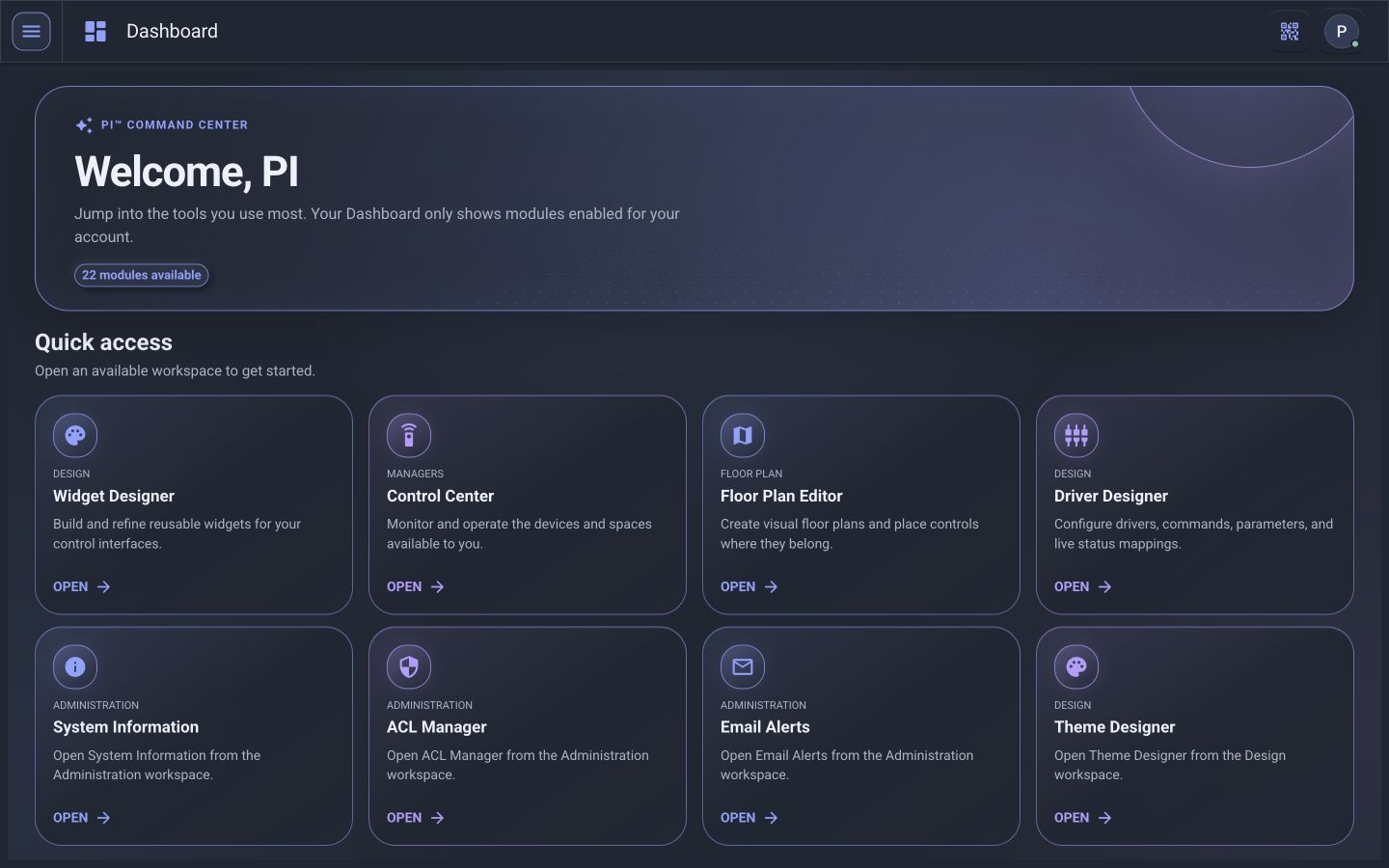
PI™ - Command Center uses a software architecture designed to coordinate application services, helper sessions, supported device communications, and operational data on the selected Windows 11 host.
The application can coordinate device communications, diagnostics, analytics, and reporting work according to the resources assigned to the Windows 11 computer or VM.
Conceptual workload view · actual behavior depends on the configured deployment.
Where an authorized driver and interface are available, PI can collect status, detect communication changes, record operational context, and initiate configured notification or reporting workflows.
Data storage, retention, protection, and recovery should be selected and documented for the project’s operational scale, reporting needs, and organizational standards.