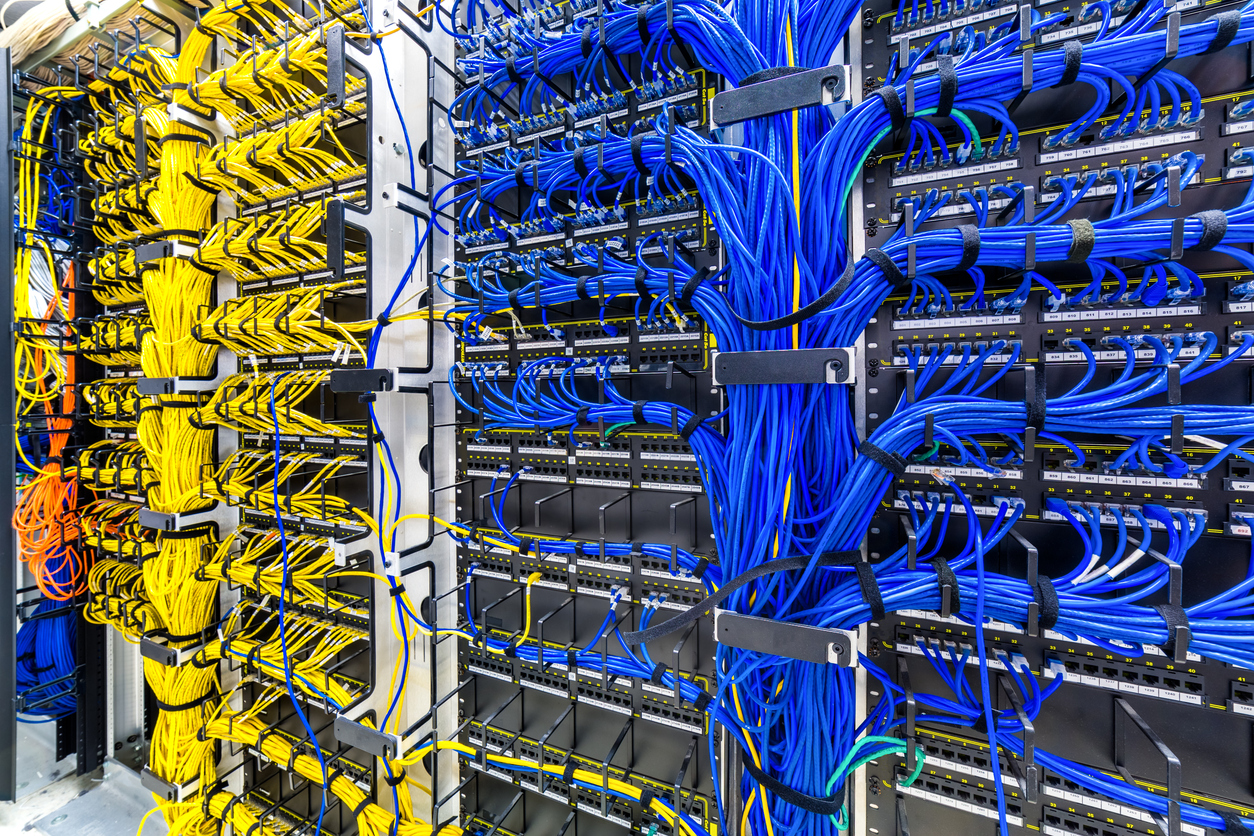
Structured network switches and cabling

Network & Devices

See the network behind the building.

PI can organize the configured, supported portion of your architecture from the Command Center down to network, power, compute, control, and field equipment—then place available status, health, and faults in operational context.

See the network behind the building

Understand the configured portion of your network at a glance.

Where authorized interfaces and project configuration are available, PI can relate the Command Center to supporting network, gateway, controller, and field-device layers so teams have a clearer path to investigate.

PI - Command CenterOperational layer
Network CoreSwitches & routers
GatewayProtocol bridge
GatewayBACnet / IP
ControllerLighting
ControllerHVAC
ControllerShades
Sensor
Thermostat
Occupancy
Dimmer
Relay
Meter
  • Topology mapping
  • Communication paths
  • IP & subnet visibility
  • Protocol routing
  • Gateway health
  • Controller reachability
  • Field-bus status

Connected equipment

See the infrastructure that keeps the building online and operational.

Where equipment provides a supported protocol, API, or management interface, PI can organize its status, alarms, diagnostics, and service context alongside the building systems it supports.

01
Power & resilience

Inverters, UPS systems, and generators

Bring critical-power equipment into the same operational view as the systems and spaces that depend on it.

  • Inverters and battery systems
  • Uninterruptible power supplies
  • Generators and transfer switches
  • Power meters and distribution equipment
How PI can helpSurface availability, operating mode, battery or fuel context, faults, runtime trends, test history, and maintenance needs before an outage affects operations.
02
Network & security

Switches, firewalls, routers, and gateways

Show the communication path behind a building service and identify which infrastructure layer may be affecting it.

  • Managed network switches
  • Firewalls and routers
  • Protocol and edge gateways
  • Wireless and remote-access infrastructure
How PI can helpTrack reachability, interface health, communication failures, device relationships, and authorized diagnostic data while preserving IT security boundaries.
03
Compute & operator systems

Servers, workstations, and control-room devices

Give operations teams a clear picture of the compute devices required to run dashboards, automation, engineering tools, and support services.

  • Windows 11 computers or VMs running PI
  • Operator and engineering workstations
  • HMIs, thin clients, and displays
  • Other managed servers and storage
How PI can helpCentralize online status, service availability, resource health, version information, alerts, and service history for faster support triage.
04
Control & field equipment

Controllers, panels, sensors, and connected devices

Trace an operational issue from a room or system through controllers and gateways to the equipment at the edge.

  • Automation and lighting controllers
  • Panels, processors, and relays
  • Sensors, meters, and thermostats
  • AV, shading, access, and IoT devices
How PI can helpCombine discovery, status, command feedback, communication diagnostics, fault history, trends, and device documentation in one support workflow.

Integration boundary PI uses manufacturer-supported and authorized interfaces. It complements rather than replaces equipment protection, generator controls, firewall administration, or other dedicated safety and security functions. These are systems PI may monitor; they are not proprietary PI hardware requirements.

Device-level monitoring & alerts

Follow the dependency, not just the alarm.

A room-level symptom may depend on a field device, controller, gateway, switch, power source, or Windows host. PI can organize available status around those relationships so authorized teams know which layer to investigate.

From condition to response

Route supported information to the people who can act.

Available alerts and diagnostics depend on the connected equipment, driver, permissions, and configured notification rules. Dedicated power, network, firewall, and safety systems remain authoritative for their own protection and administration.

  • Observe status
  • Classify conditions
  • Route notifications
  • Review dependencies
  • Document response
  • Verify recovery
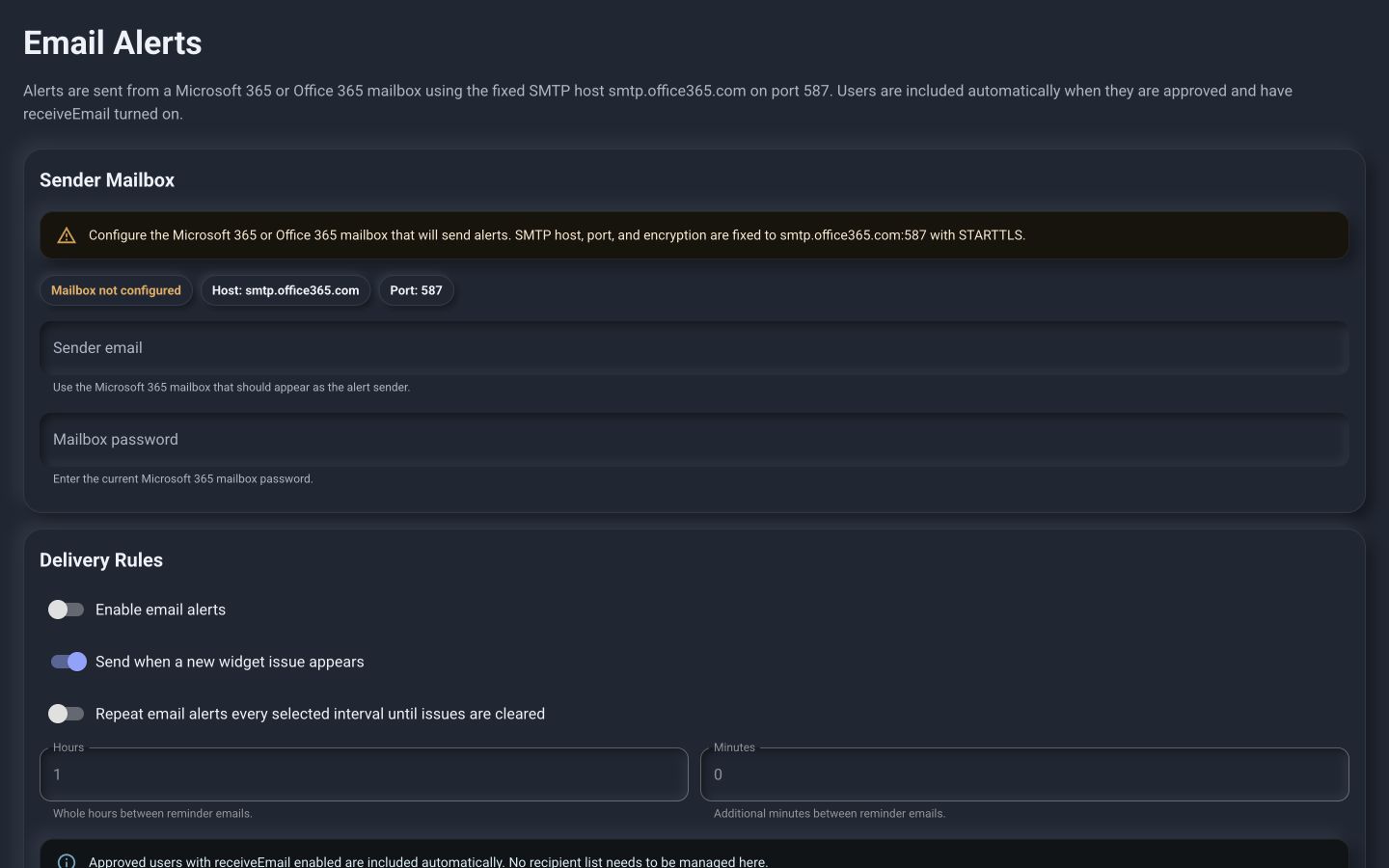
Real PI™ - Command Center Email Alerts administration workspace

Organize the connection

Keep driver details close to the operational dependency.

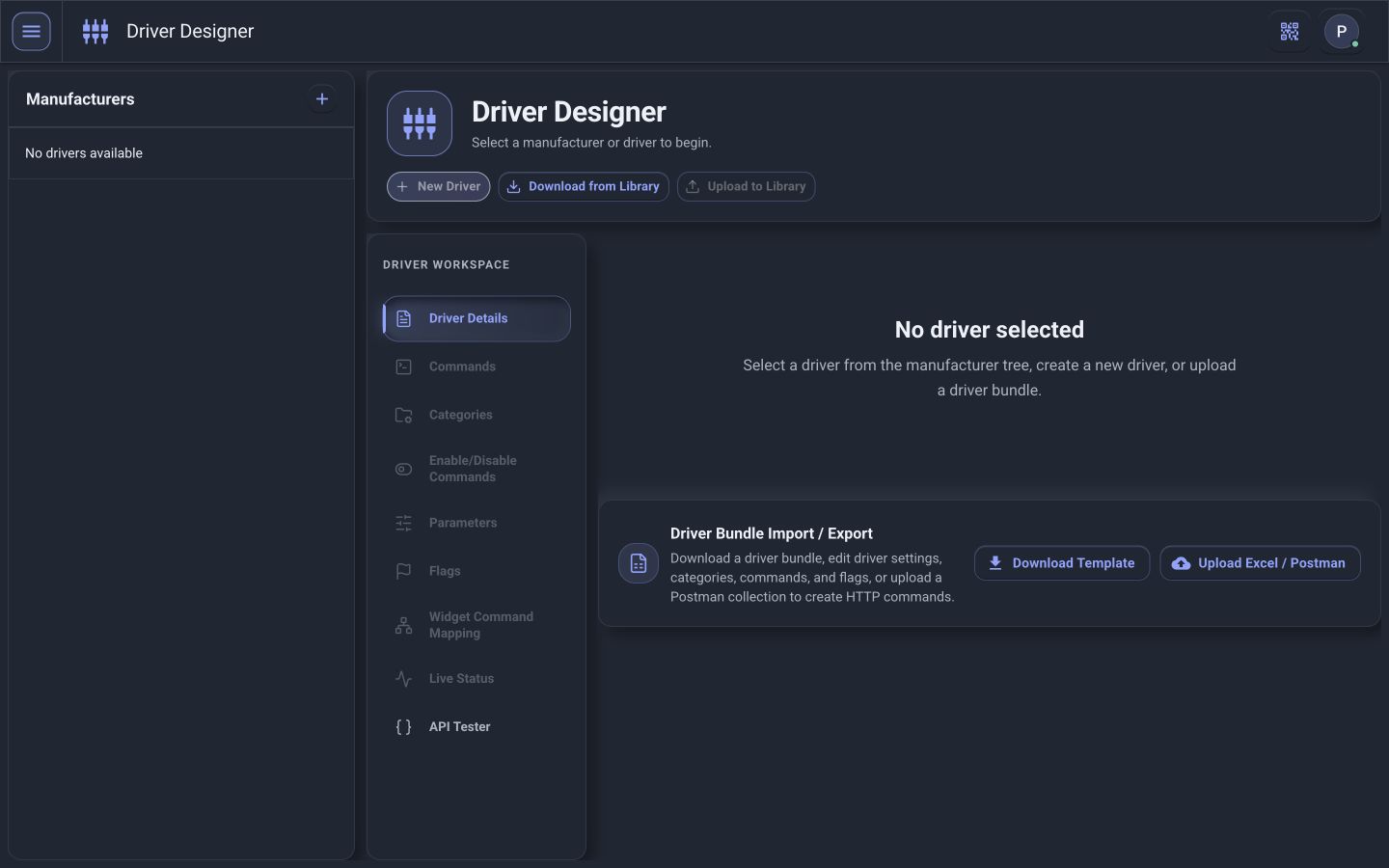
For configured, supported integrations, authorized engineering and service users can review the driver organization, connection details, available commands, parameters, and live-status mappings behind the operational interface.

The objective is to answer three questions quickly: What isn’t working? Why isn’t it working? What needs to happen next?

See the architecture
Real PI™ - Command Center Driver Designer showing manufacturer and driver organization

Turn device symptoms into actionable information.

Experience PI - Command Center