Run spaces and systems
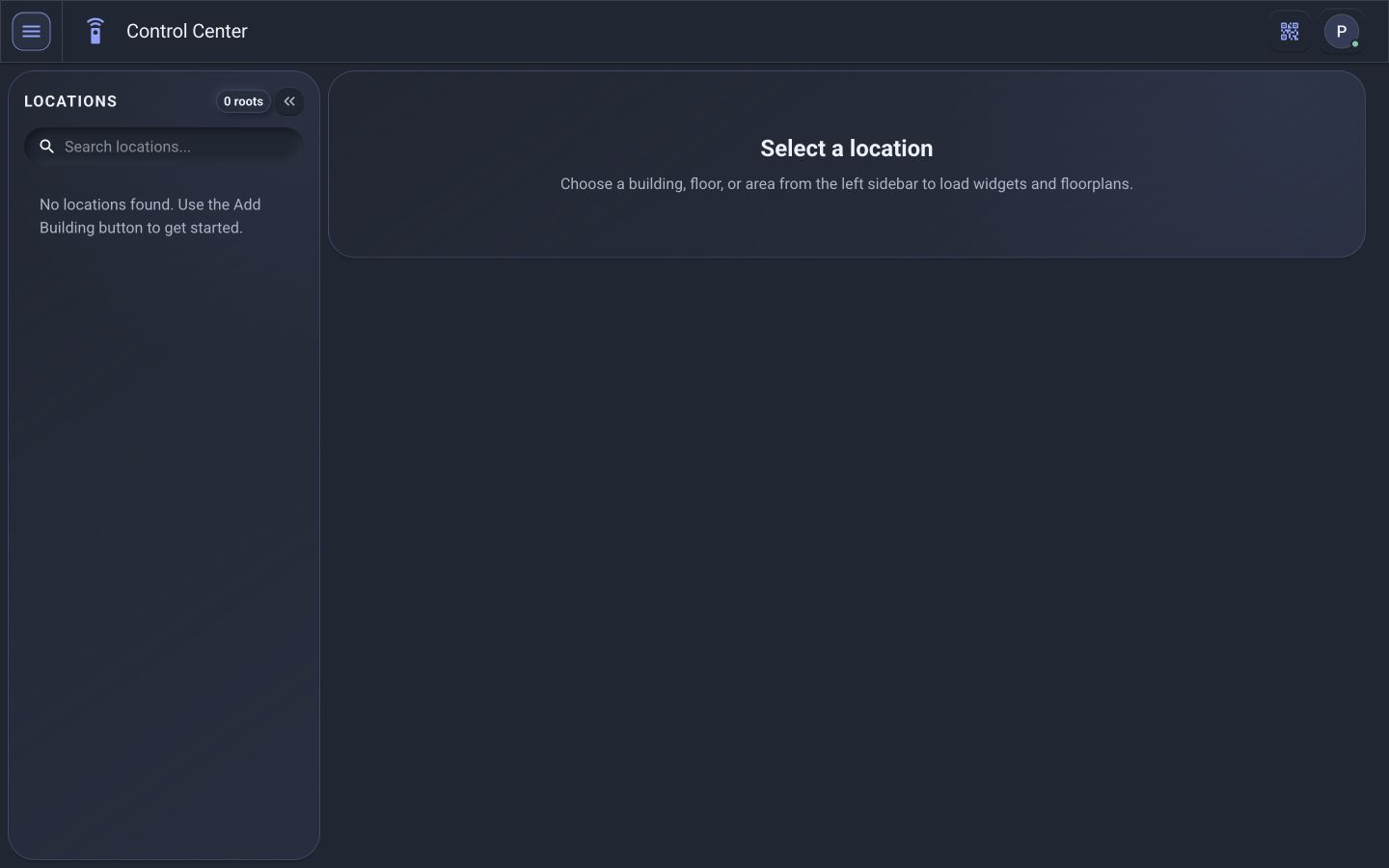
Use the Dashboard and Control Center to navigate by location, review status, and operate supported systems within your permissions.
Platform
PI gives your team one intuitive place to see what’s happening throughout the building, make everyday adjustments, investigate problems, and keep operations running.
Capability map
PI™ - Command Center organizes the building lifecycle into focused workspaces without relying on a proprietary appliance.
Use the Dashboard and Control Center to navigate by location, review status, and operate supported systems within your permissions.
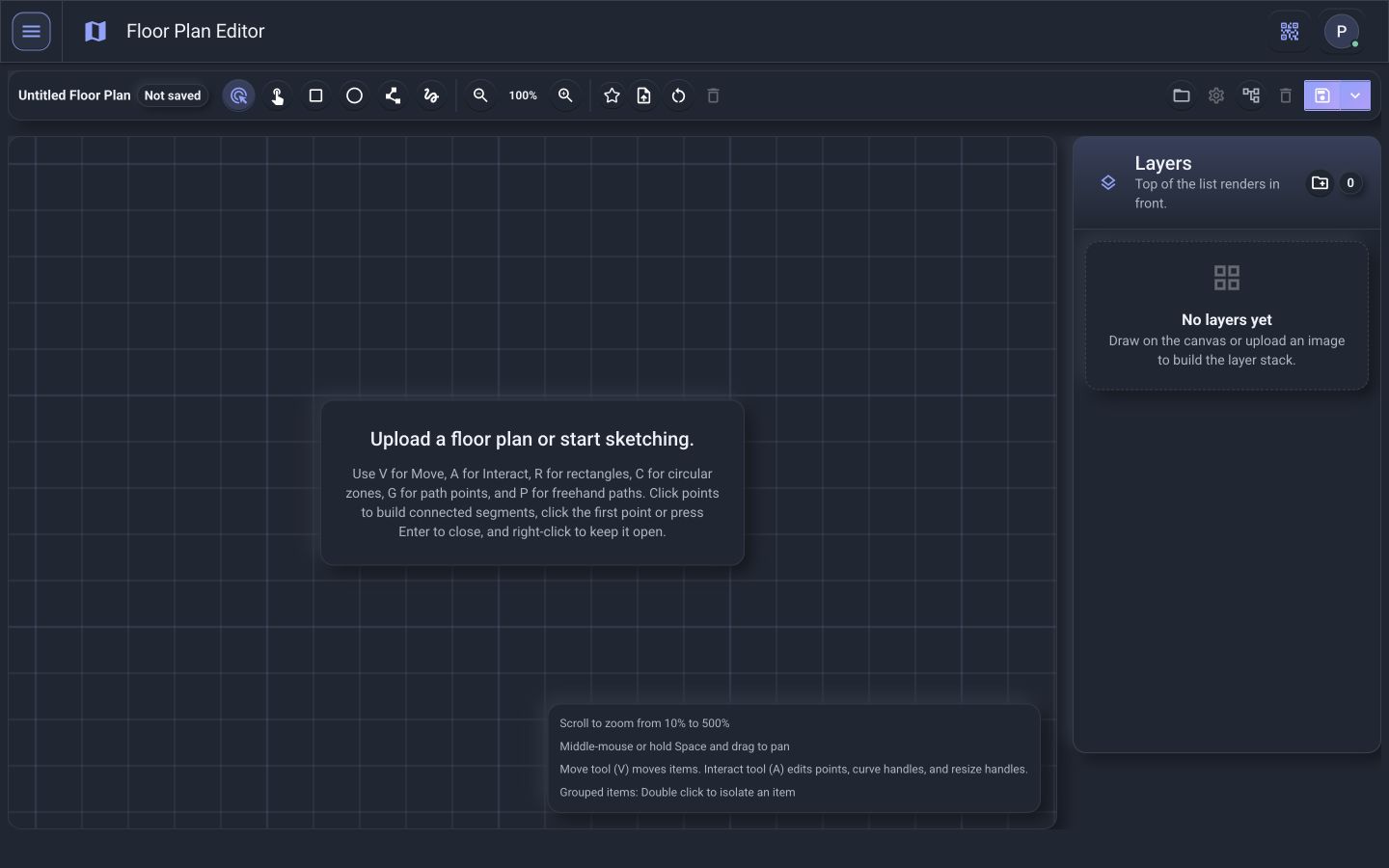
Build reusable widgets and visual floor plans that turn technical capabilities into interfaces people can understand.
Select an existing driver or configure commands, feedback, live status, and diagnostics for a supported connection.
Review permitted status, communication context, alerts, and device information before deciding whether to act remotely or dispatch.
Control account visibility, notification rules, and system information through the administration workspaces available to the user.
Download, upload, and back up compatible files for authorized Windows 11 computers or virtual machines.
Make the building easier to control
PI transforms complex building systems into an interface organized around the way people actually think about a building.
Instead of asking, “Which control system operates this?” ask “What is happening in this room?”
See your entire building
A building shouldn’t become a mystery once commissioning is complete. Move from the building level down to an individual room or device — and let every user see the same building at the level of detail they need.
System-wide health and operational status.
See areas requiring attention.
Review lighting, temperature, shades, occupancy, schedules, and connected systems.
Investigate the equipment behind the operation.
Know when something isn’t right
Sometimes it’s a conference room that’s too warm. Lights that aren’t responding. A shade that stopped moving. A sensor that isn’t detecting occupancy. A device that disappeared from the network.
PI helps turn those symptoms into actionable information — starting with what the building already knows.
Diagnose before you dispatch
PI gives authorized teams the ability to investigate many problems remotely before someone travels to the building. The goal isn’t simply fewer service calls — it’s better service calls.

Run the building, not the software
PI handles the complexity behind the interface — and provides role-based access so users only see the buildings, areas, systems, and diagnostics appropriate for their responsibilities.
Simple access to the controls and information needed every day.
Deeper system status, equipment information, and diagnostics.
Advanced troubleshooting, device information, command tools, logs, and system analysis.
Building health, trends, outstanding issues, and operational reporting.
Find problems before occupants find them
By continuously understanding system and device conditions, PI can help identify abnormalities before they become noticeable operational problems.
A communication failure, offline controller, network issue, or abnormal device condition becomes actionable information — instead of waiting for someone to report “something isn’t working.”
Moving building operations from reactive troubleshooting toward proactive system management.
Turn data into action
Centralize operational control of connected systems and devices.
Create workflows that coordinate multiple building technologies.
See the condition of systems, spaces, and equipment.
Review available host-performance history and scope additional equipment reporting around the data your integration provides.
Investigate problems from the building level down to individual devices.
Create application-specific modules around how your organization operates.
Expanded workspaces
Bring supported equipment into PI, organize reusable controls, and investigate the host and network context behind the experience.
Use dedicated BACnet, Vantage, Philips Hue, and Crestron workflows to review supported equipment and map it into locations.
Organize supported controls into groups, reuse schedule profiles, and save normal-hours and after-hours mode flows by location.
Build task sequences and connect them to calendar events or configured live-status conditions for supported devices.
Review saved host network observations, interface details, addressing, and changes over time. These records support troubleshooting; they are not project backups.
Configure the network interface for a supported connection instance when a host connects to multiple networks.
Map commands, live feedback, value conversion, positions, and configured flags into reusable equipment interfaces.