01 · Connect
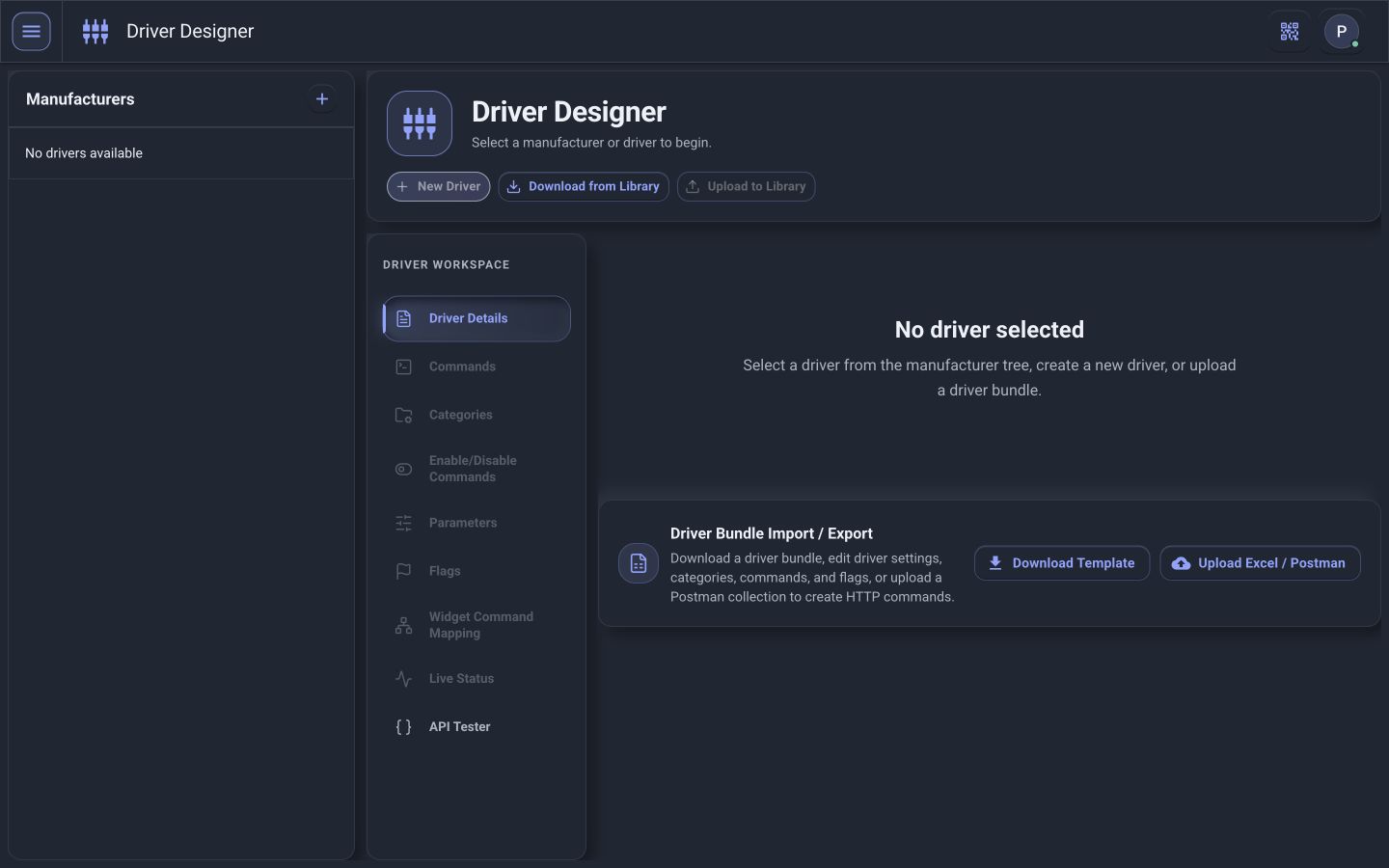
Teach PI how the equipment communicates.
Use an existing driver, upload a compatible package, or configure commands, feedback, live status, and diagnostics.
PI™ - Command Center
Control it. Understand it. Diagnose it. From one place. PI brings lighting, HVAC, shades, sensors, schedules, energy, and automation together into a single operational view.
Manage everyday building operations from an intuitive interface.
See system and equipment conditions across the property.
Move from a reported problem to the equipment behind it.
Correct problems remotely or dispatch with better information.
Use operational data to continuously improve performance.
Choose your path
Start with your role in the ecosystem. Each path explains the capabilities, engagement model, and value most relevant to your work.
For facilities, end users, floor managers, executives, technicians, commissioning teams, and enterprise operators.
Explore building teams → 02 · Technology partnersFor manufacturers, OEMs, controls companies, integrators, software platforms, and technology providers.
Explore partner solutions → 03 · Custom developmentFor driver RFQs, workflow RFQs, custom dashboards, custom integrations, automation, and OEM solutions.
Explore development paths →Explore the platform
PI organizes your entire facility around the building itself — not the manufacturers that supplied it. Start anywhere.
Control, monitor, and diagnose from an interface built around Building → Floor → Area → Room.
Explore Platform → Building SystemsOrganize supported HVAC, lighting, shades, AV, sensors, schedules, energy, and access by space.
Explore Systems → Network & DevicesMonitor switches, firewalls, generators, inverters, workstations, controllers, and field equipment.
Explore connected equipment → Deployment & FilesRun on a Windows 11 computer or VM, reuse portable files, save to the cloud, and plan backup and recovery.
Explore deployment → IntegrationsTelnet, SSH, REST, BACnet, custom modules, and trending across the systems you already have.
Explore Integrations → Product TourExplore real PI interfaces and follow the product workflow from connection to operation.
Open the tour →UI workflow
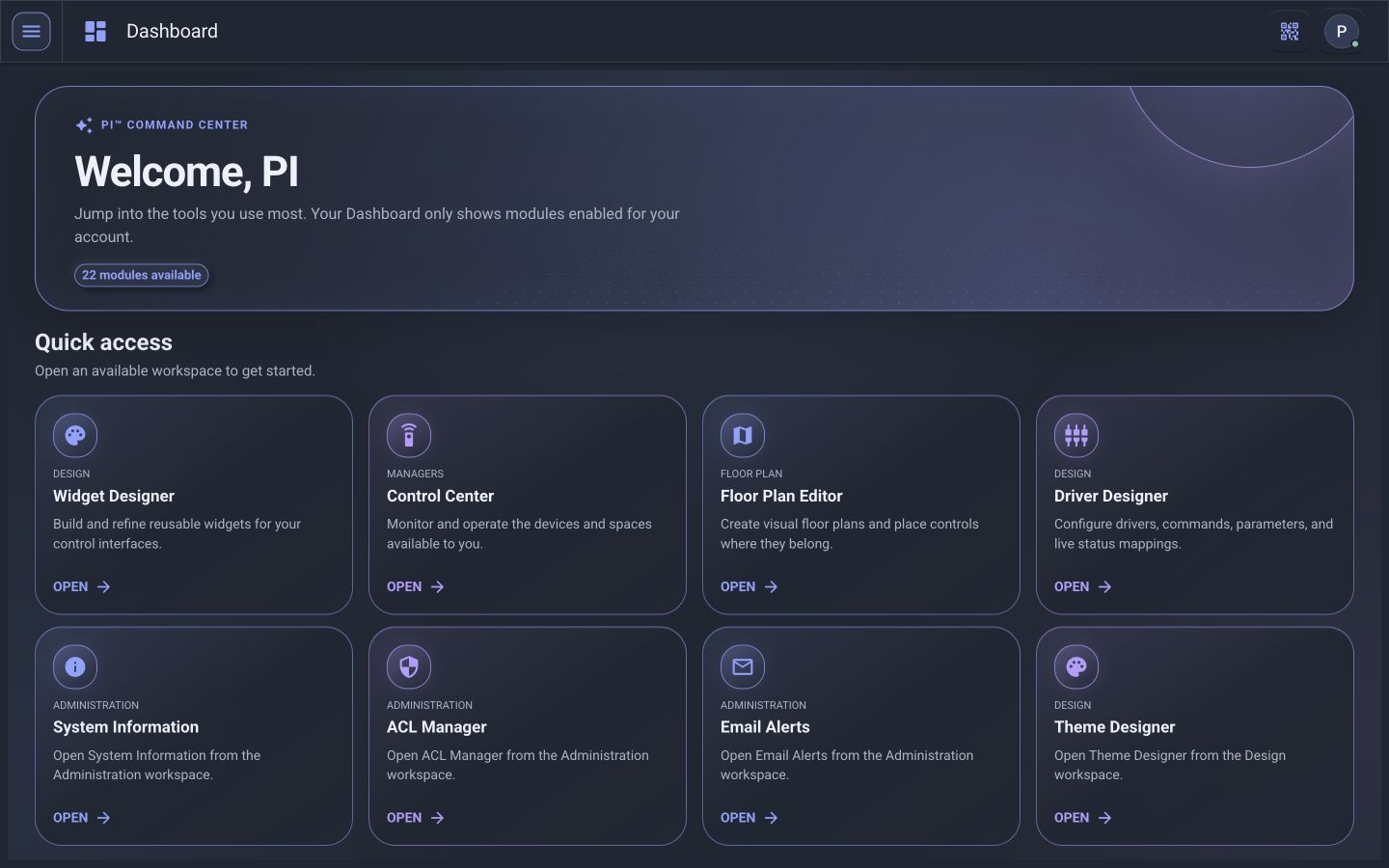
See how five real PI™ - Command Center workspaces turn device communication into the interfaces people use every day.
Use an existing driver, upload a compatible package, or configure commands, feedback, live status, and diagnostics.
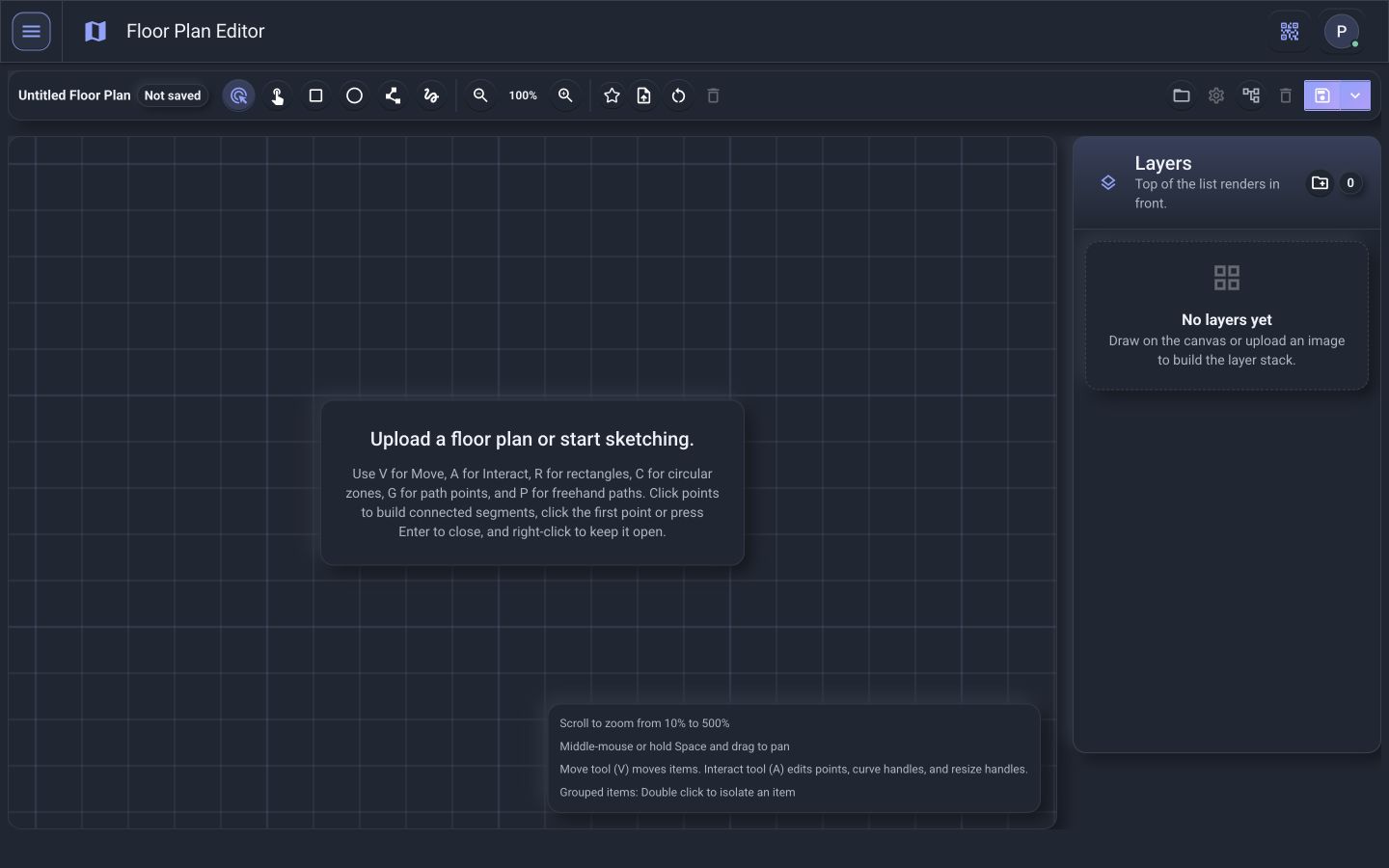
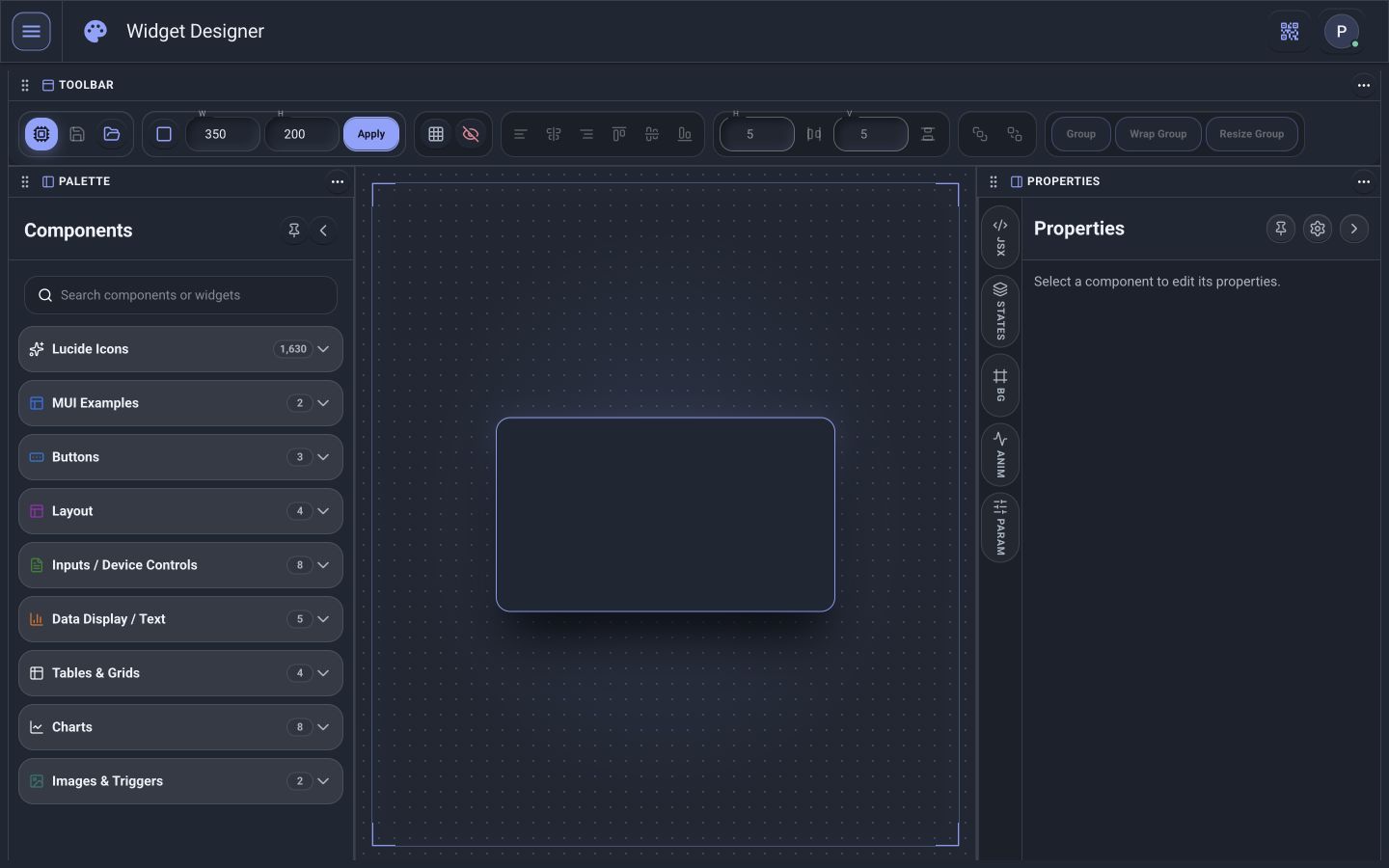
Build reusable widgets, organize them by location, and place controls onto visual floor plans.
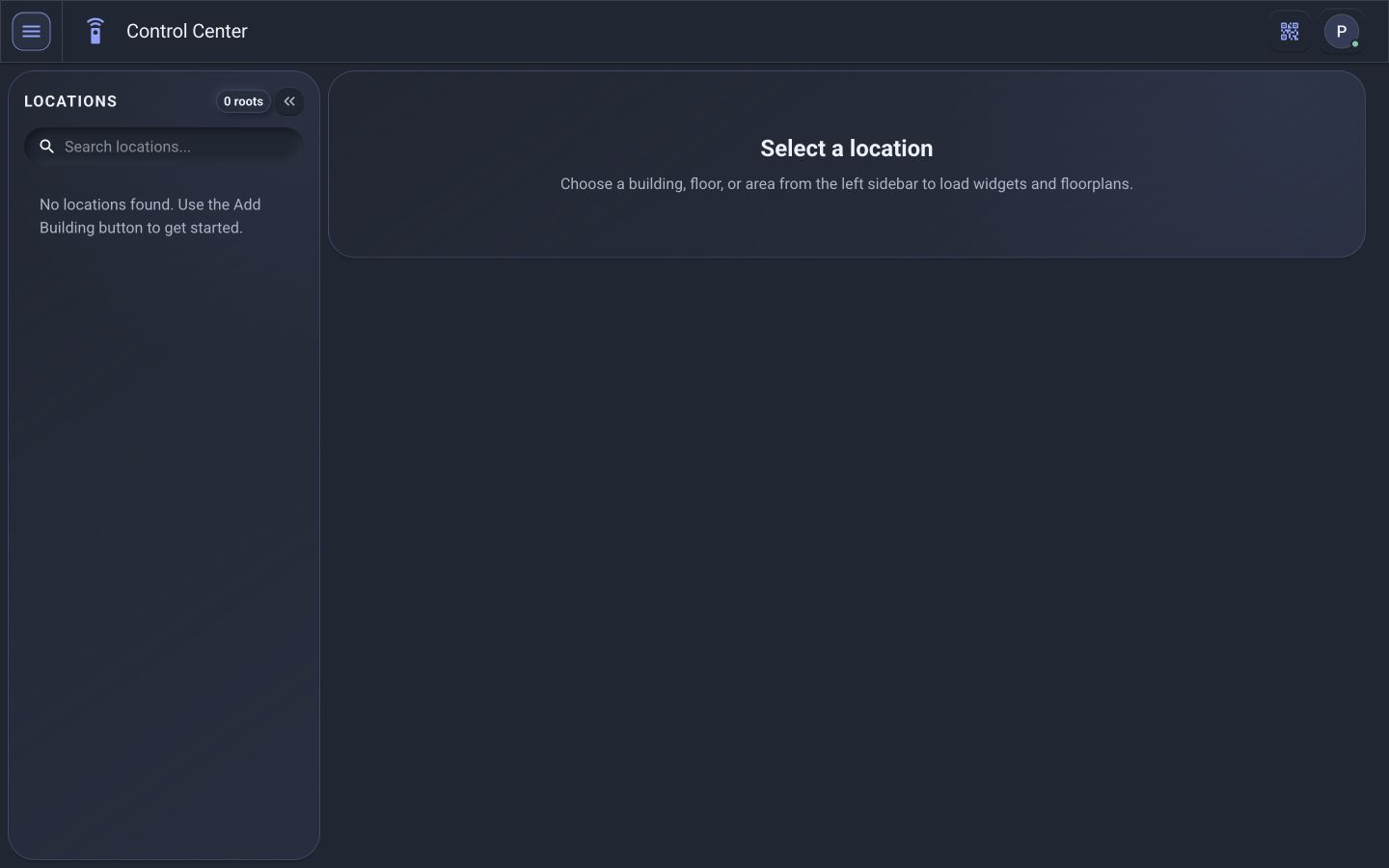
Open role-aware workspaces, operate permitted systems, review status, and move from a room-level issue to its source.
Don’t just take our word for it
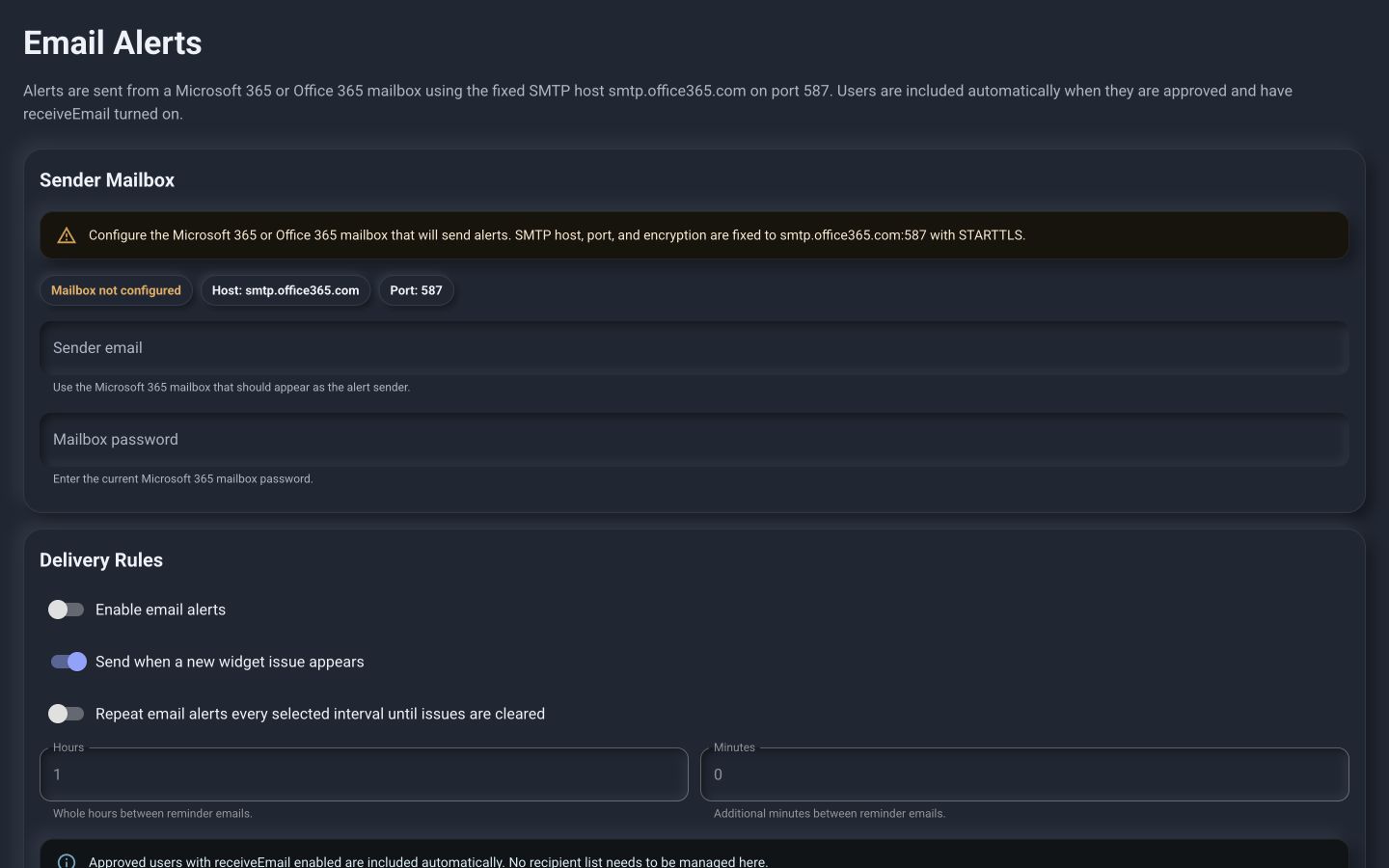
Move through six real PI™ - Command Center workspaces and follow the product tutorial from the role-aware Dashboard to Control Center, Floor Plan Editor, Widget Designer, Driver Designer, and Email Alerts.
Built for every kind of building
A corporate headquarters doesn’t operate like a hospital, studio, or campus. PI adapts to how each facility actually runs.
Support room readiness, comfort, and faster facilities response.
Explore market → 02Give property teams, workplace leaders, and tenants the right operational view.
Explore markets → 03Coordinate scheduled spaces and supported facility conditions.
Explore markets → 04Prepare guest, public, event, and production spaces for use.
Explore markets → 05Connect facility support systems around production and logistics.
Explore markets → 06Organize authorized infrastructure and multi-tenant context.
Explore markets →Solutions
PI™ - Command Center organizes work into focused workspaces — each user’s dashboard only shows the modules enabled for their account.
Role-aware workspacesMonitor and operate the devices and spaces available to you.
Create visual floor plans and place controls where they belong.
Build and refine reusable widgets for your control interfaces.
Configure drivers, commands, parameters, and live status mappings.
Tailor the look of the interface to your organization and brand.
Control role-based access to buildings, systems, and capabilities.
Route condition-based notifications to the right teams.
Review platform status, services, and system health.
Secure by design
PI provides role-based access so users only see the buildings, areas, systems, controls, and diagnostics appropriate for their responsibilities — simple for the user, controlled for the organization.
See the architectureOperate the spaces you’re responsible for.
Investigate systems and equipment.
Access advanced diagnostics and command tools.
See building-wide performance and reporting.